
Product Video Shot List for Features, Use and Proof
Turn product video shot list into filmable concepts through copyable shot list, add production detail, and the list in message order before the next shoot.
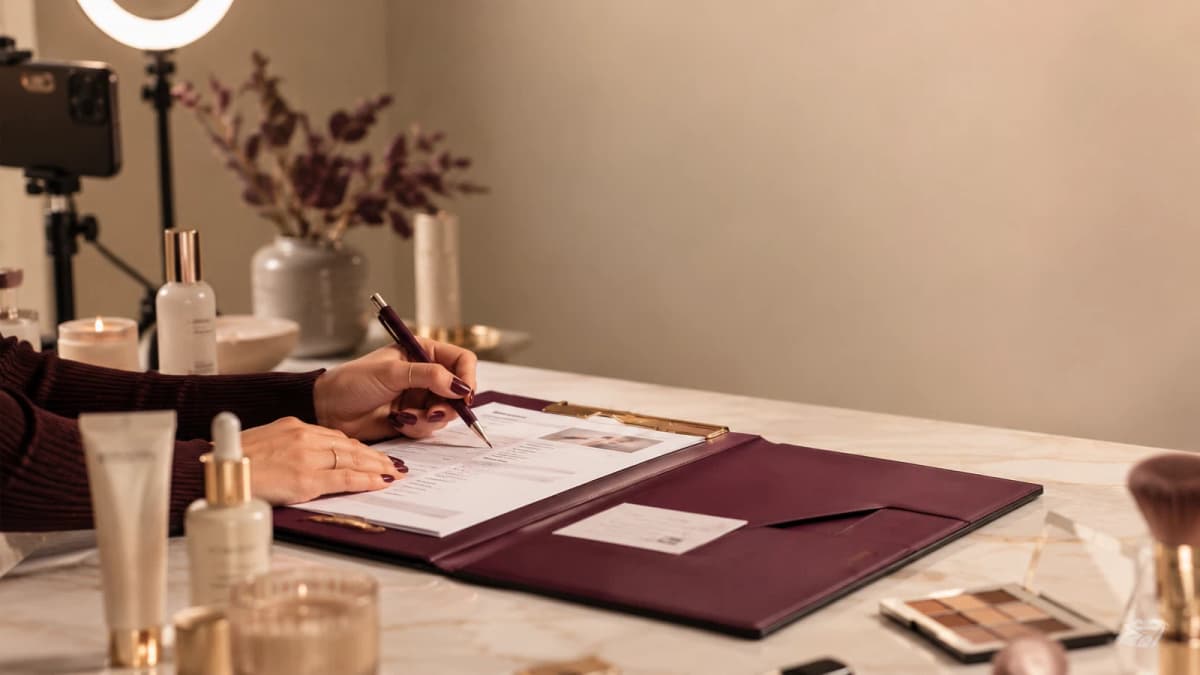
A product video shot list should describe why each shot exists, not merely list camera angles. The sequence below can be adapted to an ecommerce team or product creator that needs content to move from product visibility to decision support and reduced when time or access is limited.
Quick answer
Before filming product video shot list, settle four things: who it helps, what opens the piece, what the viewer can verify, and what the production can realistically support.
Copyable shot list
| Shot | Purpose | Priority |
|---|---|---|
| Hook frame | The first visible moment that communicates the problem or result. | Must have / optional |
| Context wide | Enough environment to understand where and how the action happens. | Must have / optional |
| Action medium | The main process, demonstration or interaction. | Must have / optional |
| Proof close-up | A detail that supports the point: use, scale, fit, comparison, objections, packaging, service and verified customer evidence. | Must have / optional |
| Result or comparison | A clear outcome, replay or side-by-side. | Must have / optional |
| CTA frame | A clean ending with the relevant next action. | Must have / optional |
| Backup proof | A simpler shot that can replace the main evidence if access changes. | Must have / optional |
Add production detail
For each selected shot, record:
Project: product video shot list
Scene number:
Purpose:
Framing:
Action:
Audio or on-screen text:
Proof requirement:
Props or product state:
Continuity note:
Priority:
Backup:
Build the list in message order
In Proof, first decide what the viewer needs to understand. Then place the evidence in a logical sequence. You may film by location or setup for efficiency, but the planning document should still show the final narrative order.
Hook frame
The opening image should communicate the same promise as the first line. Avoid an unrelated aesthetic shot followed by a completely different claim.
Context and action
For Proof, use one wide or medium view to orient the viewer, then move closer for the meaningful action. Decorative B-roll should not replace the process the audience came to see.
Proof
For this topic, useful proof can include use, scale, fit, comparison, objections, packaging, service and verified customer evidence. Label conditions when they affect the comparison, and do not design the concept around a claim that cannot be shown or sourced.
Ending
In Product Video Shot List for Features, Use and Proof, end after the payoff. A CTA should be relevant: save the sequence, inspect the guide, compare current details, or take the next appropriate step. Avoid stacking several unrelated requests.
A three-shot minimum version
- Hook: show the problem or outcome.
- Proof: demonstrate the decision or change.
- Next step: give the viewer one action.
In Hook frame, this version is valuable when the creator has limited time, confidence or access. It protects the message without pretending a simple setup is a full production.
Quality checks before wrap
- Focus and exposure are usable on the proof shot.
- Required labels, disclosure and product details are visible.
- Continuity is consistent enough for the intended edit.
- The main action has at least one clean take.
- Audio has been checked, not assumed.
- Files are backed up before the set is cleared.
Product shot list (mechanism clarity)
Hero, unbox/open, mechanism close-up, in-use demo, limit/honesty shot.
If mechanism isn’t visible, the list is incomplete.
Frequently asked questions
How many shots should be on the list?
Only as many as the message requires. Six must-have shots and several optional alternatives are often more useful than dozens of unlabeled clips.
Do I need every camera angle?
No. Choose angles that explain the action and evidence. Variety is secondary to clarity.
Should B-roll be planned?
Yes, but after the main proof. Give B-roll a purpose such as transition, scale, atmosphere or continuity.
Mechanism-first product list
- Hero silhouette
- Open / unbox only if packaging is part of value
- Mechanism close-up (what moves / pours / clips)
- In-use demo with real constraint
- Limit shot (what it does not do)
Product rule: if mechanism is invisible, the list is incomplete — beauty-atmosphere shots cannot replace it.
What if the product mechanism is tiny?
Use macro + slow motion and a scale reference (hand, coin, ruler). Do not fake size with misleading angles.
Do I need lifestyle scenes?
Only after mechanism clarity. Lifestyle without mechanism is atmosphere, not product film.
Next step
Use the list as a production control document. For a finished scene sequence, open the store.
Related guides
Continue with the most useful next step for your format, workflow, or production constraint.
- Travel Video Shot List for Arrivals, Atmosphere and ProofCreator Lanes
- Beauty Product Video Ideas with Claim-Safe DemonstrationCreator Lanes
- UGC Shot List: Product Proof without Robotic DeliveryResources
- B-Roll Shot List for Creators: Proof, Texture and TransitionsResources
- Instagram Reels Shot List: Build the Video Before You FilmReels